Pls Donate Tax Calculator
Robux
Instantly calculate the 30% Roblox tax on any Robux donation — know exactly how much you'll receive.
- Enter the Robux amount your donor is sending — not the amount you hope to receive.
- Choose Standard 30% Tax (default for Pls Donate) or set a custom rate if needed.
- Hit Calculate and instantly see how much tax is deducted and what lands in your pocket.
- Use the Reverse Calculator toggle to find out how much someone needs to donate for you to get a specific amount.
- Check the Quick Reference Table below for common donation amounts at a glance.
Donor needs to send:
0 R$| Donation Sent | Tax (30%) | You Receive |
|---|
Related Calculators
💰 Robux & CurrencyTable of Contents
Pls Donate Tax Calculator: How Much Robux Do You Actually Keep? (2026)
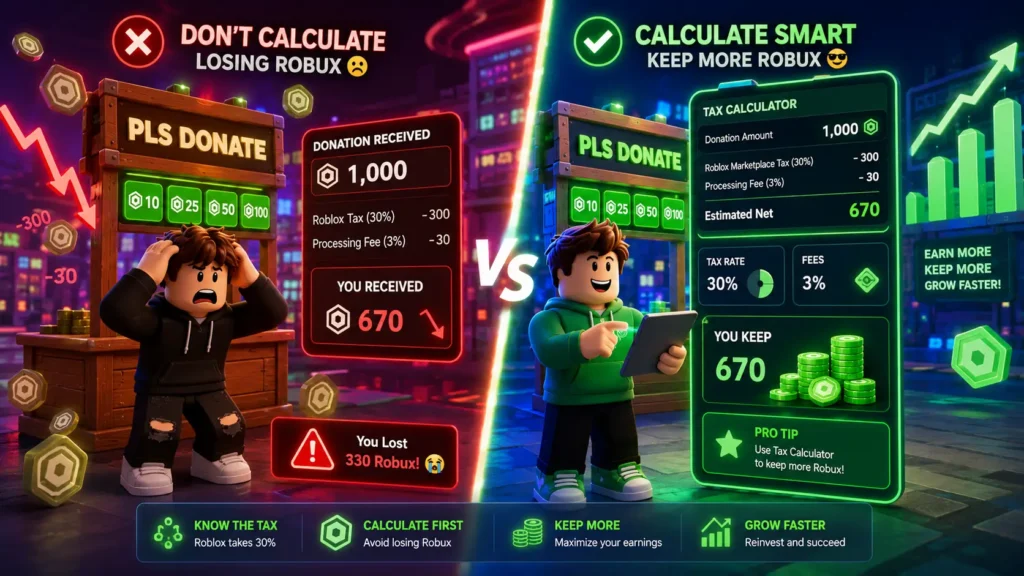
Getting 60 Robux when you expected 100 is a gut punch every Pls Donate player knows. Someone donated 100 Robux your screen showed it and then 40 just… vanished. No warning. No breakdown. Just gone.
That’s the 40% Pls Donate tax at work: Roblox’s standard 30% marketplace fee stacked on top of the game’s own 10% cut. And if nobody explained that to you before you set your gamepass price, you’ve almost certainly been undercharging.
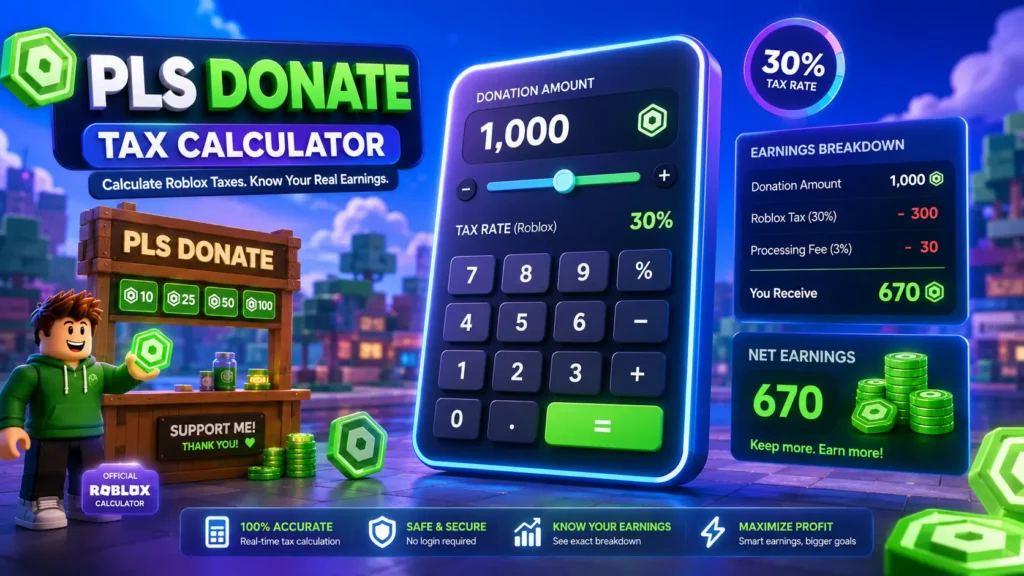
The Pls Donate Tax Calculator above solves this in seconds. Type in any Robux amount, pick your mode (standard Roblox or Pls Donate), and get an instant after-tax breakdown no math required.
What is the Pls Donate Tax Calculator and what does it do?
The Pls Donate Tax Calculator is a free Robux tax tool that computes exactly how many Robux a recipient keeps after all fees are deducted before a single transaction happens.
It handles 2 distinct tax scenarios:
Standard Roblox mode (30% fee) Roblox charges a 30% marketplace fee on every gamepass sale, developer product purchase, and avatar item sold through the platform. Sell something for 1,000 Robux, and 700 lands in your balance. The formula: Net = FLOOR(Listing Price × 0.70).
Pls Donate mode (40% combined fee) Inside Pls Donate, donations route through a gamepass which triggers both Roblox’s 30% cut AND the game developer’s additional 10%. The combined deduction is 40%. Receive a 1,000 R$ donation, and 600 lands in your account. The formula: Net = FLOOR(Donation × 0.60).
Both formulas use floor rounding the same method Roblox applies on its end so the numbers this tool produces match what actually appears in a player’s balance.
The donation calculator also runs the math in reverse: enter the net amount a recipient should receive, and it tells a donor exactly how much to send so the right number lands.
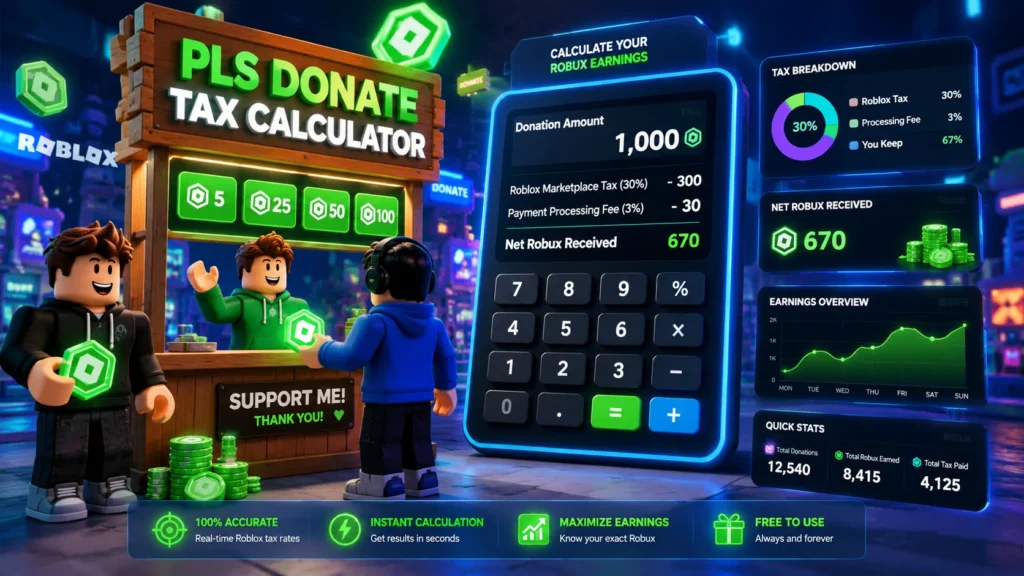
How to use the Pls Donate Tax Calculator (step-by-step)
Standard mode (30% Roblox fee)
Step 1. Open the calculator at the top of this page.
Step 2. Select Standard Roblox (30%) from the mode toggle.
Step 3. Enter the Robux amount either the listing price or the donation amount.
Step 4. Click Calculate. The tool instantly displays the Roblox tax deducted, the net Robux received, and the effective tax rate.
Worked example: A player in Ohio sets a gamepass at 500 R$ in Pls Donate, thinking they’ll pocket 500. Let’s run it through Standard mode first to understand the baseline.
| Input | Value |
|---|---|
| Listing price | 500 R$ |
| Roblox fee (30%) | 150 R$ |
| Net received | 350 R$ |
| Effective tax rate | 30% |
Pls Donate mode (40% combined fee)
Step 1. Switch the mode toggle to Pls Donate (40%).
Step 2. Enter the donation amount the sender is contributing.
Step 3. Hit Calculate.
Worked example (same 500 R$ donation):
| Input | Value |
|---|---|
| Donation sent | 500 R$ |
| Roblox cut (30%) | 150 R$ |
| Game dev cut (10%) | 50 R$ |
| Net received | 300 R$ |
| Effective tax rate | 40% |
That’s 200 Robux less than the naive expectation. For someone pricing a gamepass hoping to earn 1,000 R$, the actual listing price needs to be CEIL(1000 ÷ 0.60) = 1,667 R$.
Reverse mode (calculate how much to donate)
Switch to Reverse / Target Net mode. Enter 300 (the amount the recipient should receive). The tool outputs 500 the exact donation amount required. Use this before every donation to avoid guessing.
Understanding your results
The donation after fee field is the one that matters most. Everything else gross, deductions, effective rate is context for it.
Net Robux received: The Robux balance increase the recipient will actually see. This is the FLOOR-rounded result, matching Roblox’s own calculation.
Roblox tax deduction: The platform’s 30% slice. This never changes regardless of amount, game, or account type.
Game dev cut: Appears only in Pls Donate mode. The 10% the game’s developer (bighead, who created Pls Donate) receives from every donation routed through a gamepass.
Effective tax rate: Usually 30% or 40%. At very small amounts (under 10 R),thisnumbergetsweird.BecauseRobloxusesfloorrounding,a2R sale produces 1 R$ tax a 50% effective rate instead of 30%. The calculator flags these edge cases. This matters most for players pricing micro-gamepasses or UGC items under 25 R$.
Robux to USD estimate (DevEx): Displayed as a reference figure. At the current DevEx rate of $0.0038 per Robux (effective September 5, 2025), 1,000 after-tax Robux is worth approximately $3.80 but only earned Robux qualifies for DevEx. Donated Robux received through Pls Donate counts as earned.
Real-world use cases
A Roblox creator in California setting gamepass prices
A UGC creator in San Francisco wants to earn at least 700 R$ net from every gamepass sale. She enters 700 in the Reverse / Target Net field under Standard mode. The calculator returns 1,000 R$ as the required listing price. She lists at 1,000 R$ done.
A Pls Donate player trying to hit their DevEx goal
A 16-year-old developer in Texas needs 30,000 after-tax Robux to hit the DevEx minimum ($114 USD at the $0.0038 rate). Running the reverse calculation in Pls Donate mode: he needs donors to send a total of 50,000 R$ for 30,000 to land in his account. That context changes how he promotes his booth.
A donor who wants to send “exactly 500 Robux” to a friend
A player in New York wants her friend to receive 500 clean Robux. In Pls Donate mode, she types 500 in the Target Net field. The calculator returns 834 R$ as the required donation. She sends 834 — friend receives 500.
A developer pricing a product for DevEx optimization
A developer in Florida has earned 50,000 Robux from gamepass sales and wants to know what that converts to in USD. He toggles the DevEx view: 50,000 × $0.0038 = $190. That’s enough to submit a DevEx request (minimum is 30,000 Robux). The Roblox Game Dev Cut Calculator mode helps him model this before setting prices.
Common mistakes and misconceptions
Mistake 1: Treating 30% and 40% as the same thing
The Roblox 30% fee and the Pls Donate 40% fee apply in completely different situations. Standard gamepass sales through any other game use 30%. Donations sent specifically through Pls Donate’s gamepass system use 40%. Using the wrong mode in a calculator produces wrong numbers.
Mistake 2: Assuming the donation display in-game = what the recipient keeps
Pls Donate shows the gross donation amount when it pops up on screen. The after-tax Robux amount lands in the recipient’s account 3–7 days later as pending Robux. Those are 2 different numbers — the calculator shows the one that actually matters.
Mistake 3: Forgetting floor rounding on small amounts
A 3 R$ gamepass doesn’t earn 2.1 R$ (70% of 3). It earns 2 R$ — because Roblox floors the result. At 5 R,theeffectivetaxrateis40 should always check the effective rate field. The Robux calculator free tool catches this automatically.
Mistake 4: Thinking donated Robux from Pls Donate can’t be DevEx’d
It can. Robux received as donations through Pls Donate counts as earned Robux it’s eligible for the Developer Exchange program. This is one of the reasons Pls Donate became so popular as an actual income stream for younger developers.
Mistake 5: Using the Pls Donate Stacked Tax figure incorrectly
Some players see “40% tax Pls Donate” and assume it means Roblox takes 40% AND the developer takes another 40%. The 40% is the combined total: 30% (Roblox) + 10% (game dev). The recipient always keeps 60% of what was donated.
When not to rely only on this calculator
The Pls Donate Tax Calculator is accurate for the scenarios it models. But there are real situations where the output is a starting estimate, not a final number.
DevEx conversion rates may shift.
The DevEx rate was $0.0035 per Robux before September 5, 2025, then increased to $0.0038. Roblox has adjusted rates before and may do so again. Always verify the current rate at the official Roblox DevEx help page before planning a cashout.
Roblox platform fees can change.
The 30% rate has been stable for years, but it’s a platform policy not a law. Future fee structure changes would require updating the calculator’s base rate.
Tax law applies to real income.
Robux earned through DevEx is real money the IRS treats it as taxable income for US residents. If a player is earning meaningful amounts through Pls Donate and cashing out via DevEx, a parent or tax professional should be involved. The calculator shows Robux math, not US tax liability.
Group fund payouts work differently.
If Robux routes through a Roblox group fund before reaching a creator, the 30% cut applies at the group payout stage not when it enters the game. The Roblox transaction fee structure for group payouts has its own mechanics. For complex group monetization setups, consult Roblox’s official creator documentation.
Tips to get the most accurate results
Tip 1: Always use Pls Donate mode specifically for Pls Donate donations.
Standard mode underestimates the deduction by 10 full percentage points.
Tip 2: Run the reverse calculation before setting any gamepass price.
Start with the net amount needed, not the listing price. Let the tool calculate backward.
Tip 3: For gamepasses under 100 R$, check the effective tax rate field.
Floor rounding creates surprise results at small amounts — a 7 R$ gamepass has an effective tax rate of 42.9%, not 30%.
Tip 4: Batch calculate before a promotion.
If running a limited-time donation event, calculate the net for several donation tiers in advance. Post them visibly in the game so donors know exactly what the recipient will receive.
Tip 5: Verify DevEx eligibility separately.
The DevEx USD estimate in the calculator assumes all Robux shown are eligible earned Robux. Purchased Robux (bought with real money) and Roblox Premium stipend Robux don’t qualify for DevEx. The Roblox seller earnings calculator only shows the math eligibility is determined by Roblox’s own systems.
How this article was created
This article draws on Roblox’s official marketplace fee documentation, the Roblox DevEx help center, and verified third-party calculator tools cross-checked against each other for consistency. The 40% Pls Donate fee breakdown (30% Roblox + 10% game dev) is confirmed by Roblox’s developer forum and platform documentation. The DevEx rate of $0.0038 per Robux reflects the September 5, 2025 update from Roblox’s official announcements. All worked examples use real formulas with floor rounding applied as Roblox applies it not idealized math. Any DevEx or tax figures cited should be verified against current official sources before financial decisions are made.